Web Dashboard
Estuary provides a dashboard to manage data pipelines.
This section offers a tour around the dashboard, covering the main features available through the UI. This includes pages on:
- Capturing data from sources
- Working with data collections
- Materializing data to destinations
- Managing your tenant with admin settings
If you'd rather take a more programmatic approach to pipeline management, check out our guides on working with flowctl.
You can also see a general overview of the dashboard in the web app concepts page.
Signing in
You use a Google, Microsoft, or GitHub account to sign into Estuary. Alternatively, contact us about Single Sign-On (SSO) options.
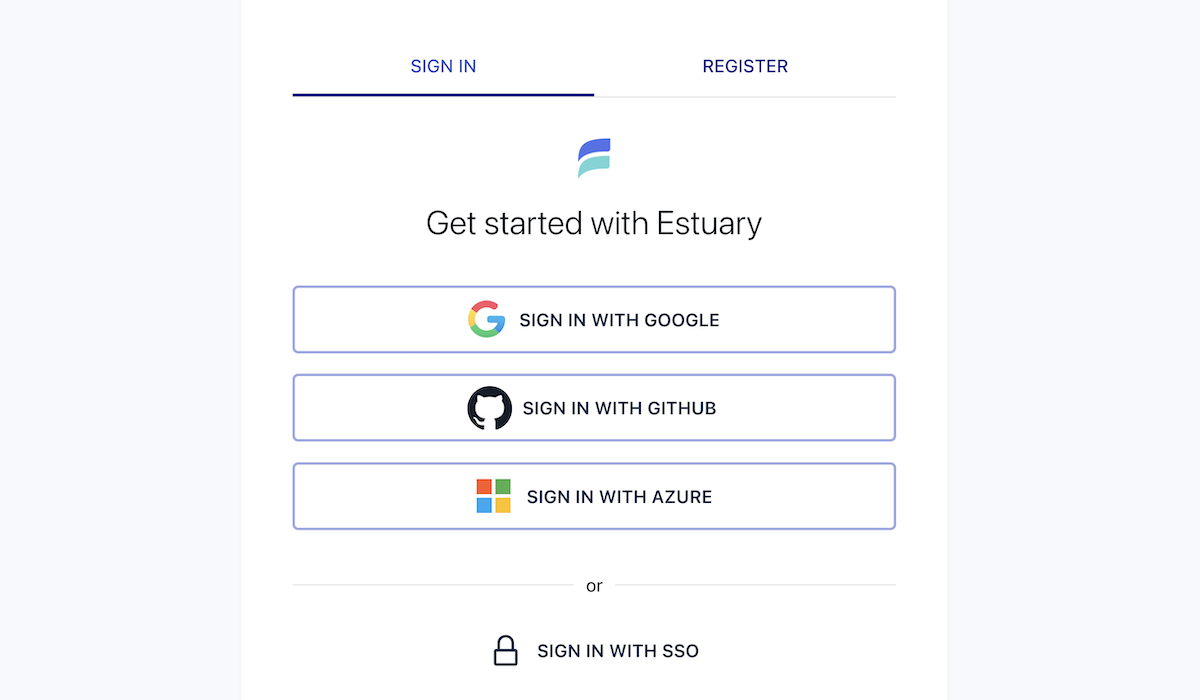
If you've never used Estuary before, you'll be prompted to register. Choose a tenant name for your organization.